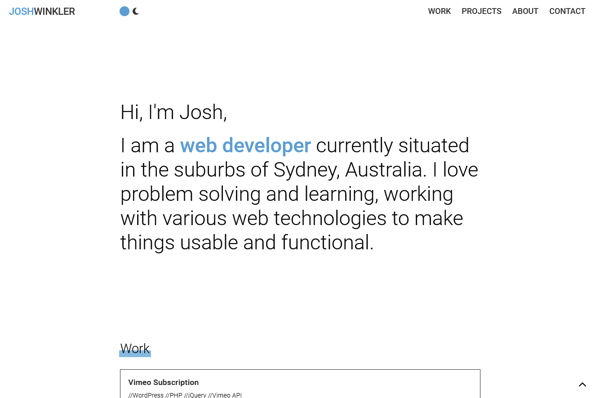
As I am using React more, I decided to use this to build a site from scratch. Doing so allowed me to see how React implements when constructing a more conventional information-based website and test what I had learnt this year.
For structuring the site, I used reusable standard components and template components. The template components were called from the route and used to determine the layout, what data to use and which standard components to implement. I did contemplate NodeJS and MongoDB for storing and accessing the data, but went with stored files instead to save some time in implementation.
One particular challenge that came up towards the end was regarding the navigation. I was looking to have the header links scroll down to the relevant section of the home page or, when on another page, navigate home and then scroll. This on top of highlighting the related link in the header for the page or section and closing the mobile menu when on mobile.
After trying state, props, and hash links, I found the best solution was using the react-router parameters. To access these in the header, I moved the component into the templates, enabling a better use of props. I could pass a prop for scrolling set to true from the home page and false for the others. On the home template, the parameters determined which section to scroll to when loaded and, in the ScrollLink component called from the header, determined which link to highlight.
I initially designed the site in Penpot, but as the project progressed, I could see the design wouldn't translate well. It was then simplified to a standard black-and-white design to help focus on the content and its placement. After some finding inspiration, the site ended up as it is now.